



Bit!Assist

Full Documentation & Guides

Release Notes

1

Blueprint / 3D

4

How to Create Project

Updated on February 24, 2022

Create Project #

Create Project: To design, development, and implementation in 2D and 3D View in Build it! With Benka.

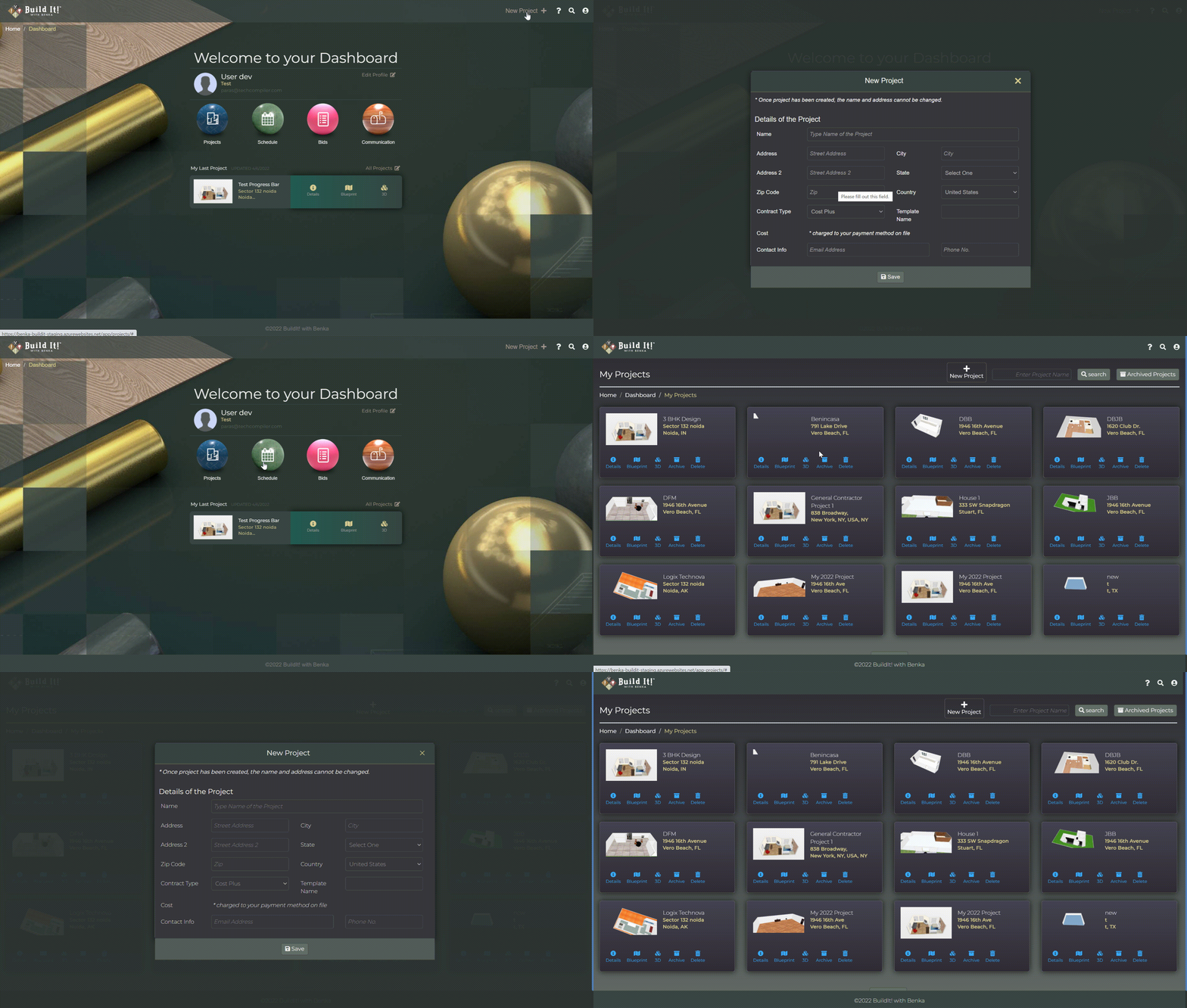
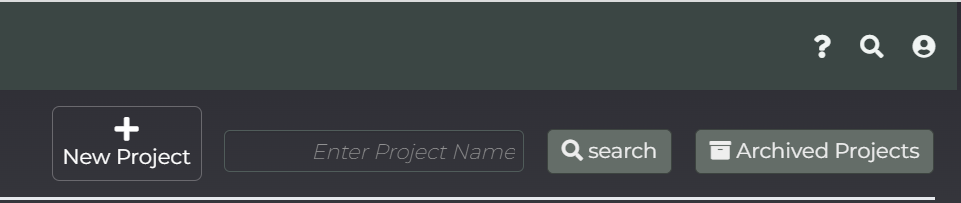
  • Create project from Project list page.
  • Create new project from dashboard.

Project Creation Type #

Create home design and interior decor in 2D & 3D without any special skills or from Select template.

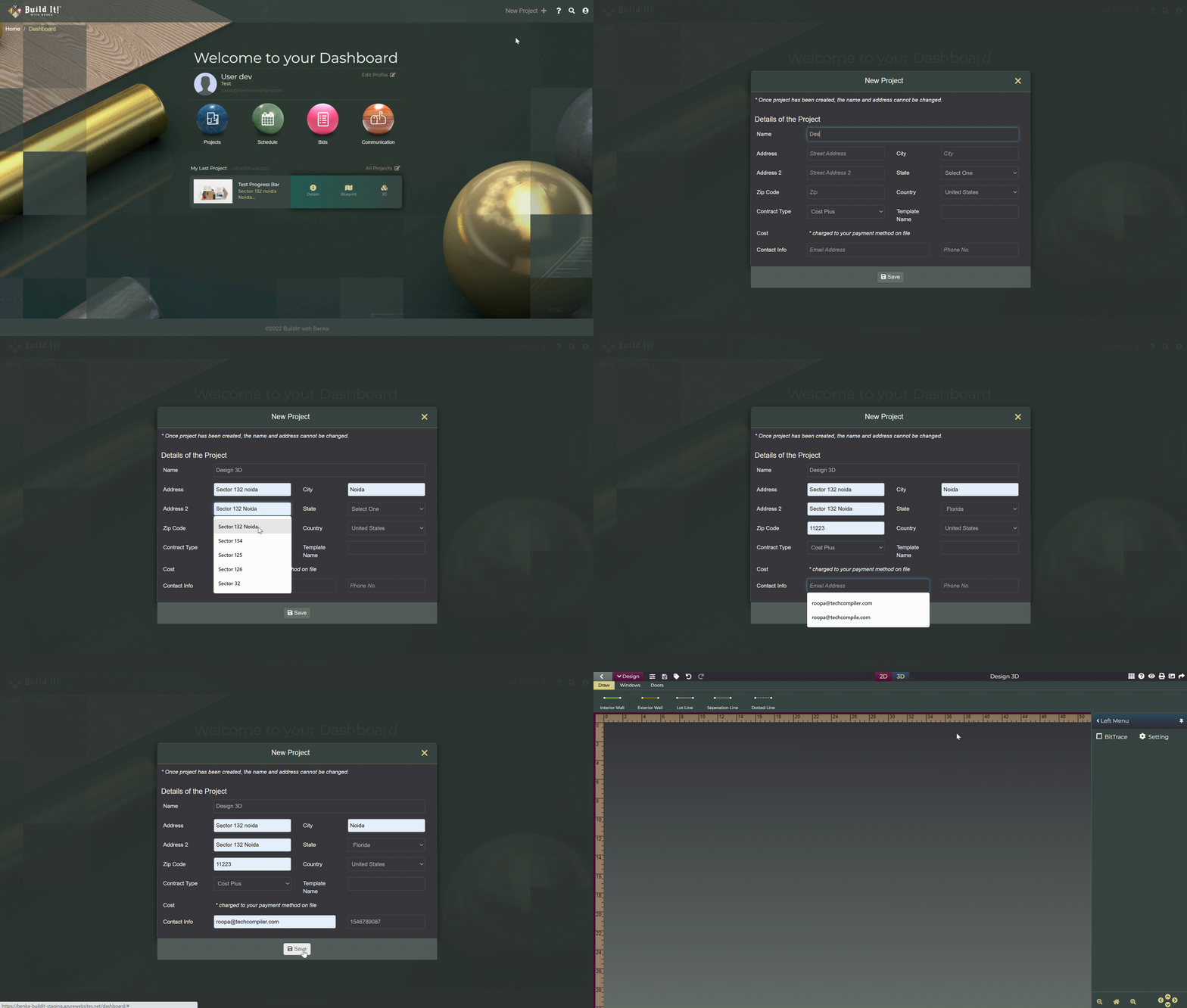
Start from Scratch#

  • Go to New Project link
  • Select Start from Scratch option.
  • Fill all required information and click at save button.

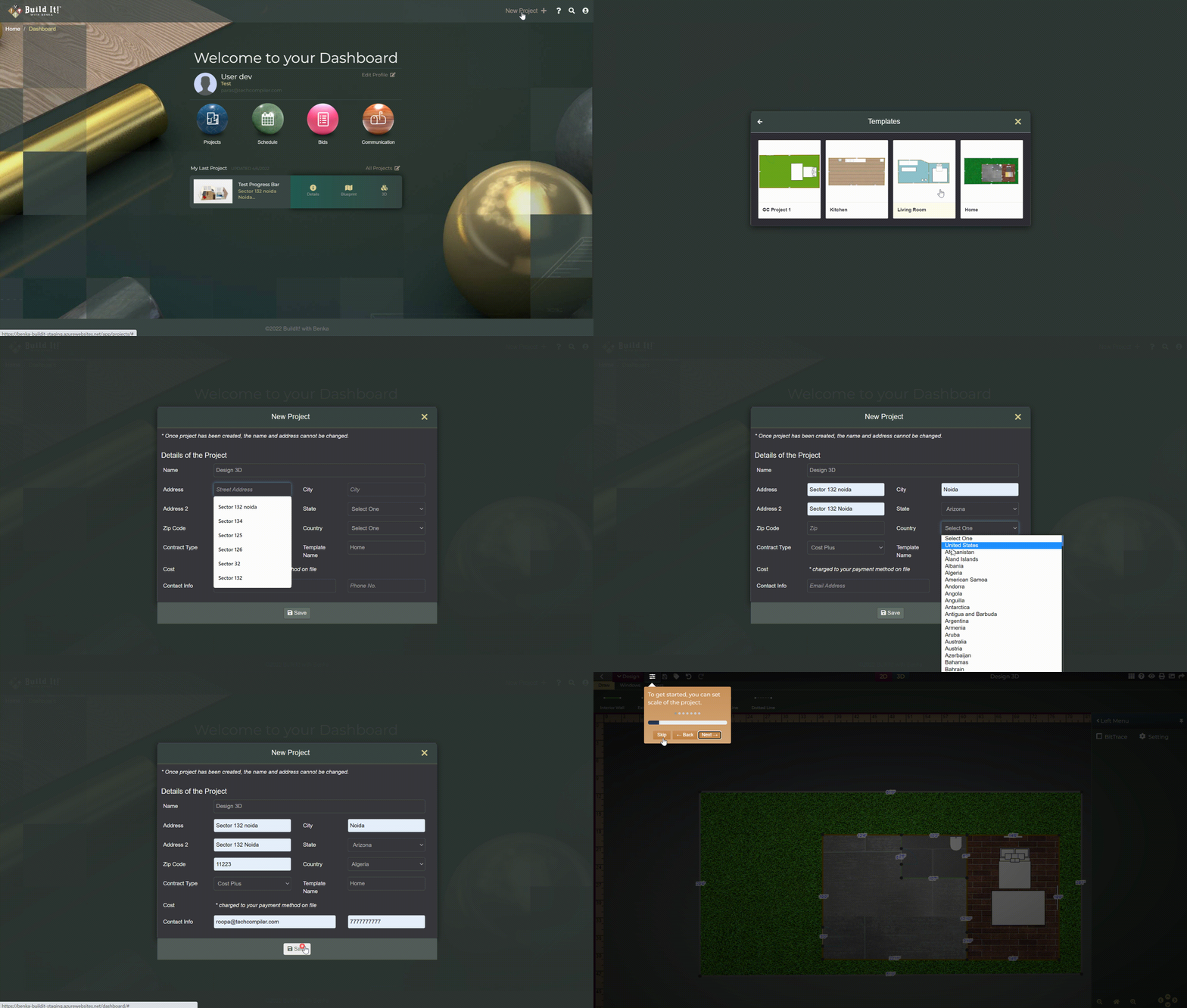
Select Template#

  • Go to New Project link
  • Select Template option.
  • Choose template
  • Fill all required information and click at save button

Bit!Support

Can’t find what you are looking for?
Want to propose a suggestion that would improve your experience?
Have other comments?
What should we fix?

Tell us!

Scroll to Top